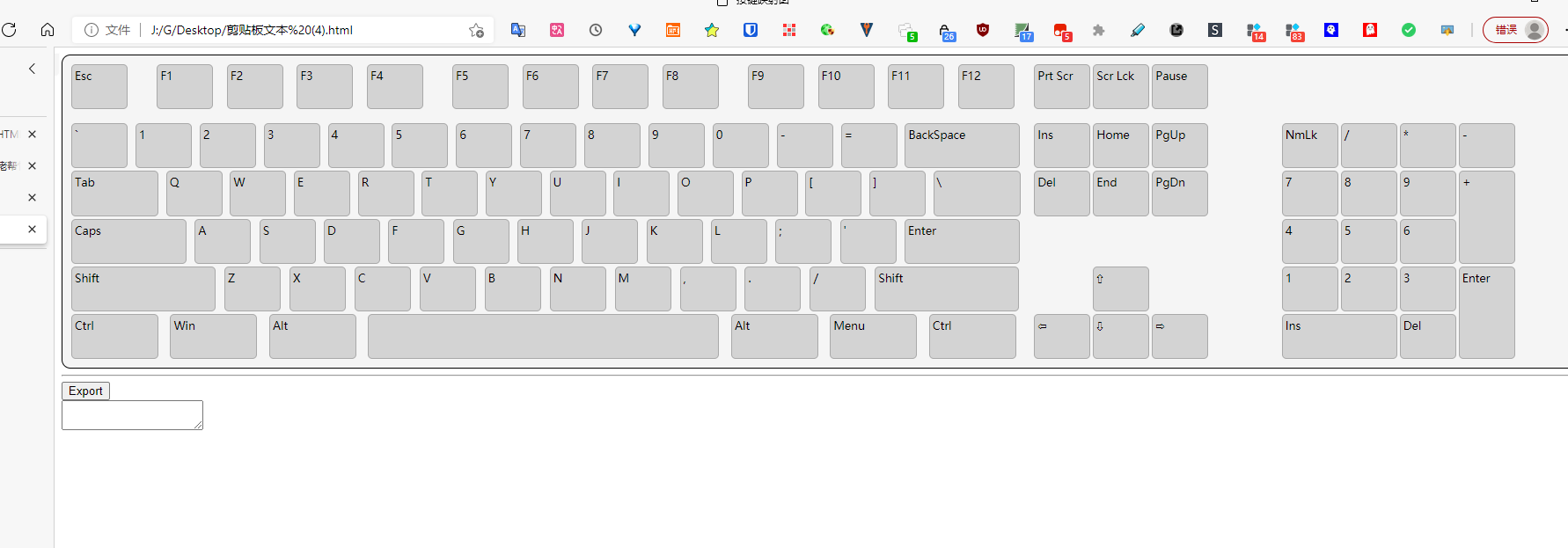
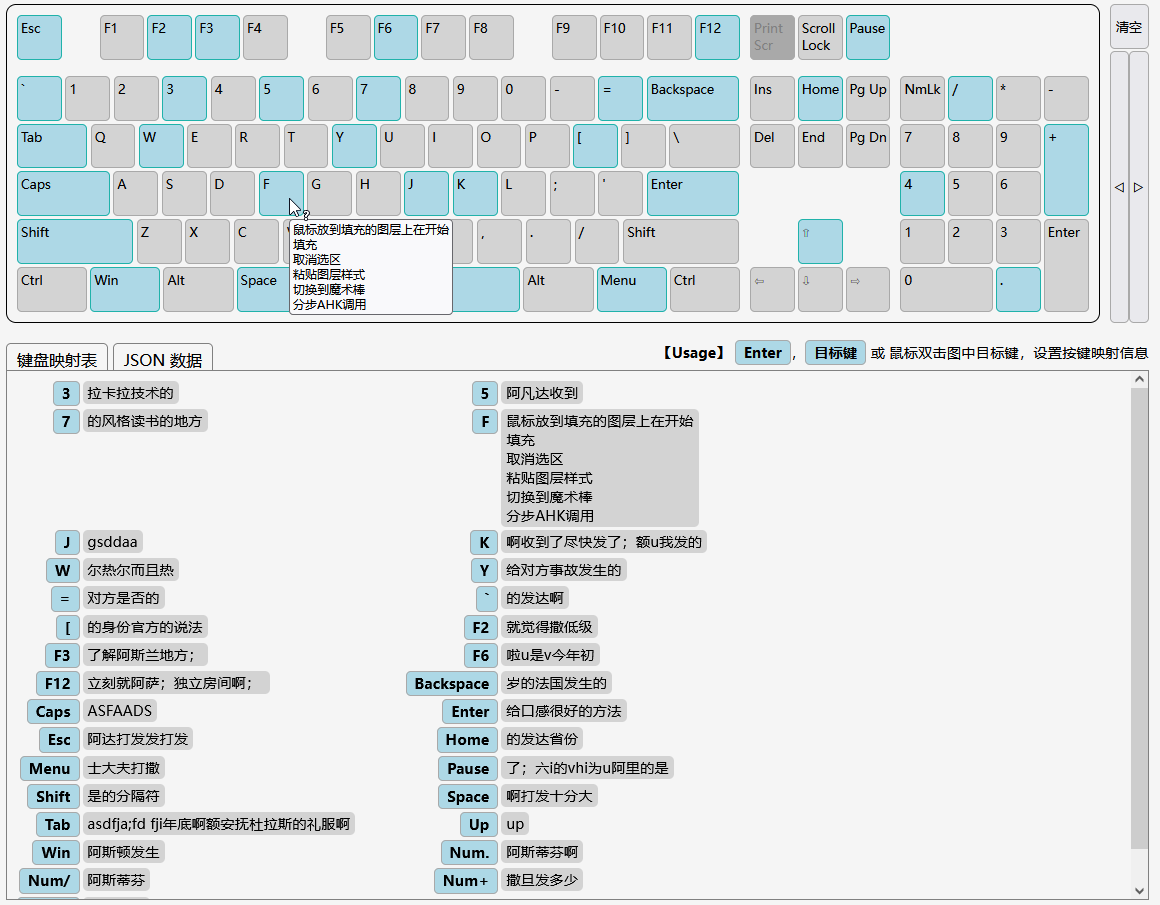
之前在网上看到这个
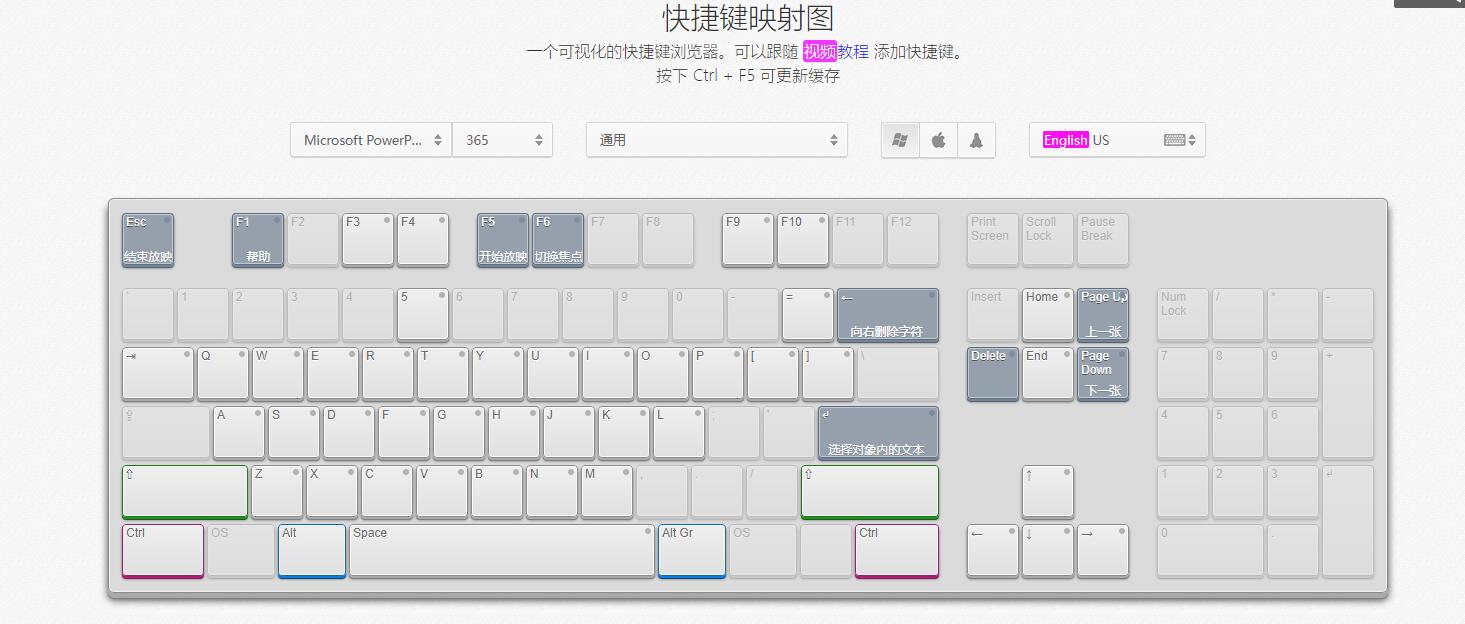
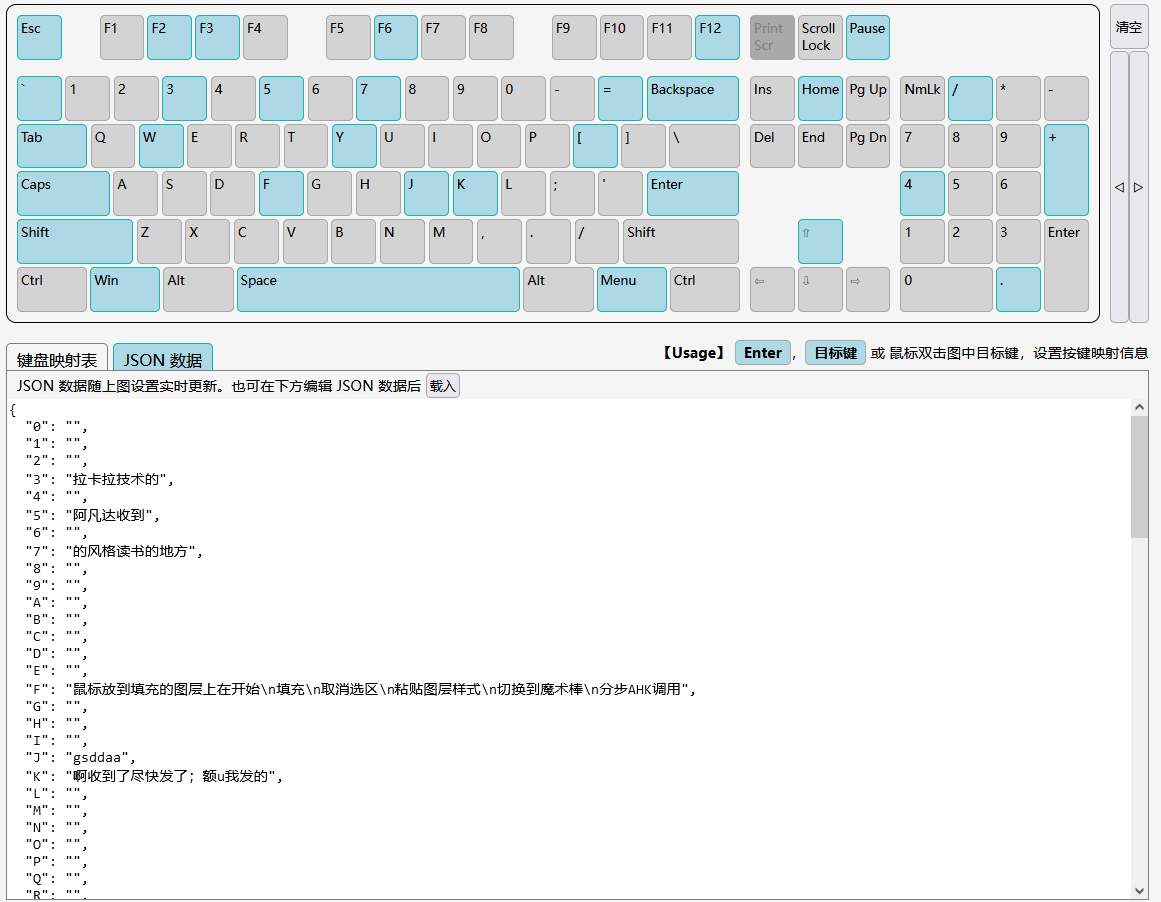
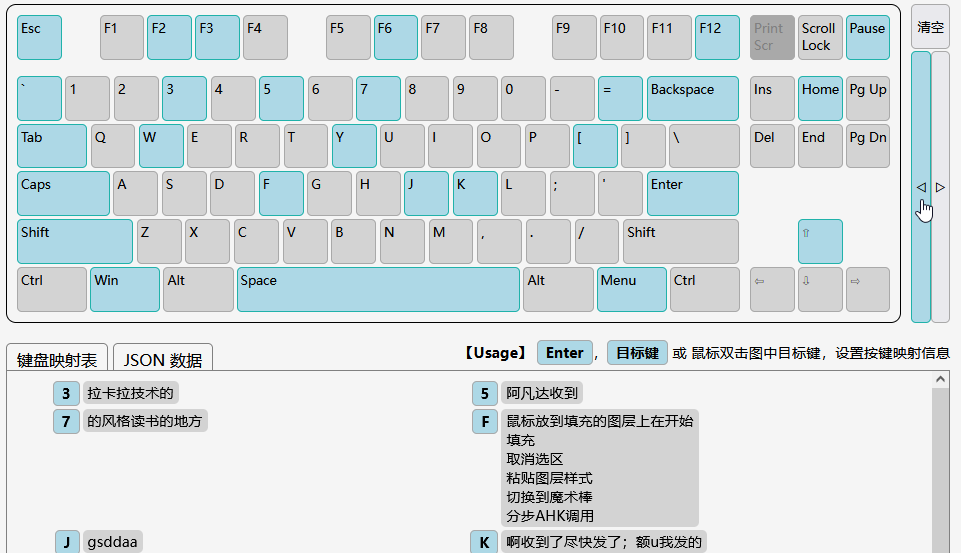
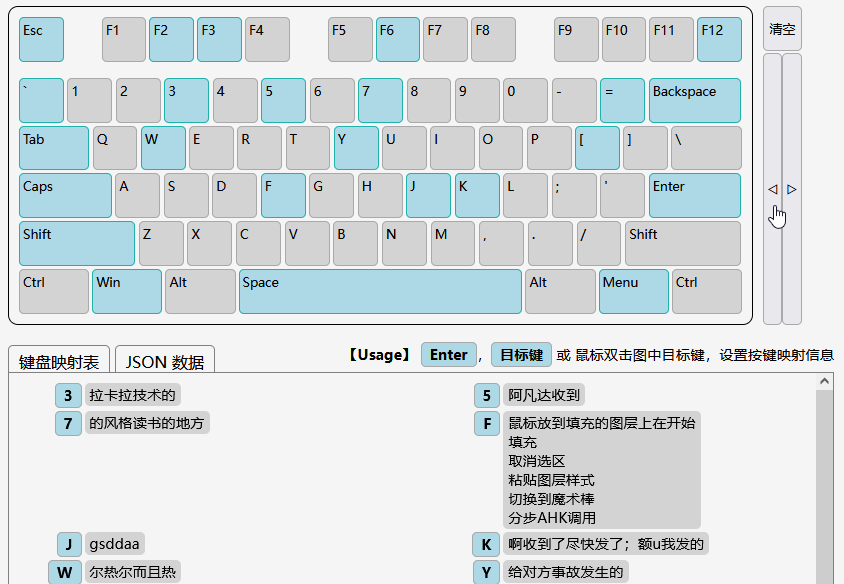
快捷键映射图
但是编辑起来太麻烦了
熬夜 和GPT 较量
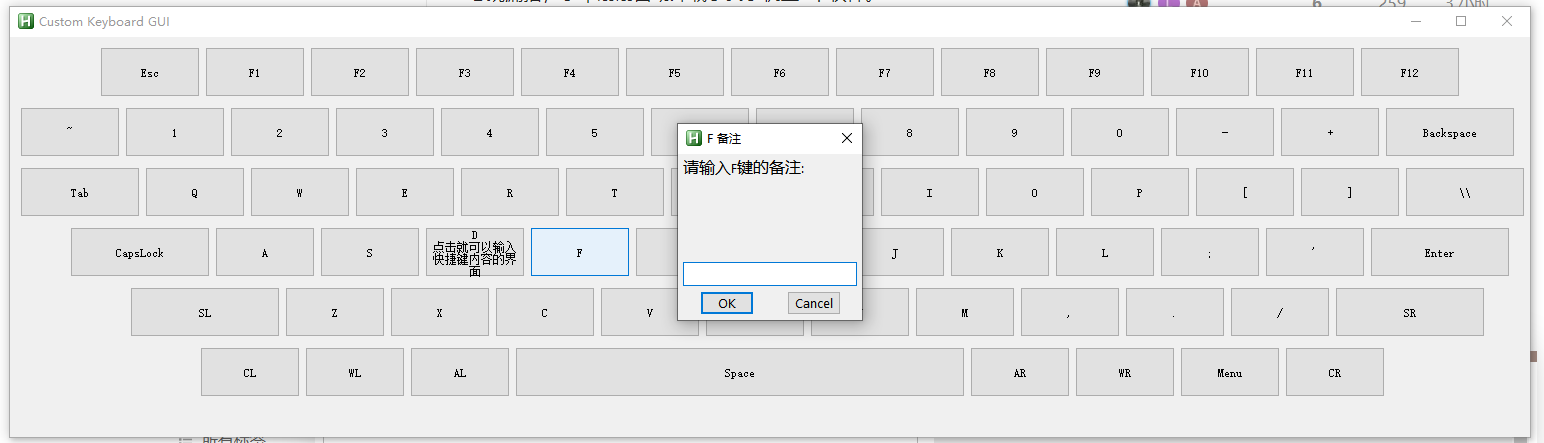
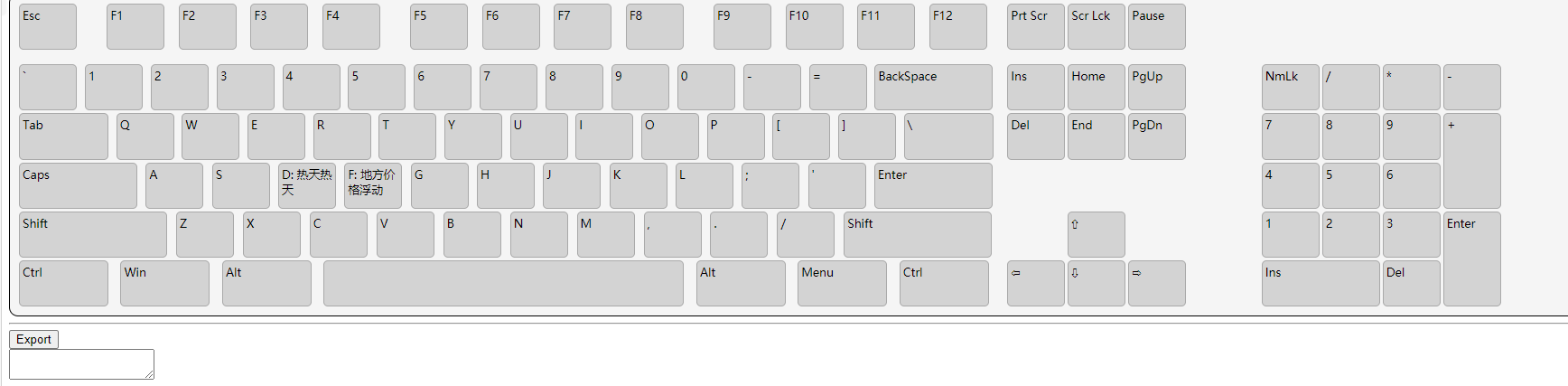
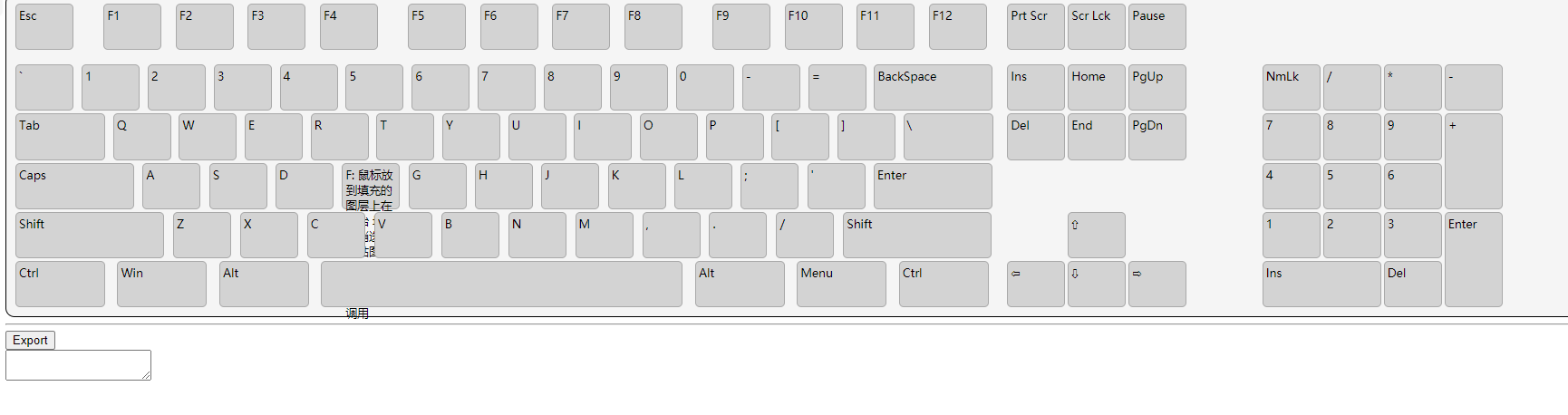
总算是弄出来了一个
点击界面就可以快速输入 按键映射内容的界面
但是 不美观
能不能请大佬帮忙完善下
#SingleInstance, Force

; 初始化存储备注的关联数组
notes := Object()

; 配置文件路径
ConfigFilePath := A_ScriptDir . "\notes.ini"

; 从配置文件中读取备注
Loop, Read, %ConfigFilePath%
{
    Line := A_LoopReadLine
    If (Line != "") {
        KeyName := SubStr(Line, 1, InStr(Line, "=") - 1)
        Note := SubStr(Line, InStr(Line, "=") + 1)
        notes[KeyName] := Note
    }
}

; 创建GUI
Gui, New, +HwndMyGui +Resize

; 创建键盘布局的按钮
; 功能键
funcKeys := ["Esc", "F1", "F2", "F3", "F4", "F5", "F6", "F7", "F8", "F9", "F10", "F11", "F12"]
xPos := 90
yPos := 10
for each, key in funcKeys
{
    Gui, Add, Button, x%xPos% y%yPos% w100 h50 gEditNote vKey%key%, % key . "`n" . notes[key]
    xPos += 105
}

; 数字键
numberKeys := ["Tilde", "1", "2", "3", "4", "5", "6", "7", "8", "9", "0", "Minus", "Plus", "Backspace"]
numberKeysDisplay := ["~", "1", "2", "3", "4", "5", "6", "7", "8", "9", "0", "-", "+", "Backspace"]
xPos := 10
yPos += 60
Loop, % numberKeys.MaxIndex()
{
    key := numberKeys[A_Index]
    display := numberKeysDisplay[A_Index]
    buttonWidth := (key = "Backspace") ? 130 : 100
    Gui, Add, Button, x%xPos% y%yPos% w%buttonWidth% h50 gEditNote vKey%key%, % display . "`n" . notes[key]
    xPos += buttonWidth + 5
}

; 字母键第一行
letterKeysRow1 := ["Tab", "Q", "W", "E", "R", "T", "Y", "U", "I", "O", "P", "BracketOpen", "BracketClose", "Backslash"]
letterKeysRow1Display := ["Tab", "Q", "W", "E", "R", "T", "Y", "U", "I", "O", "P", "[", "]", "\\"]
xPos := 10
yPos += 60
Loop, % letterKeysRow1.MaxIndex()
{
    key := letterKeysRow1[A_Index]
    display := letterKeysRow1Display[A_Index]
    buttonWidth := (key = "Tab" or key = "Backslash") ? 120 : 100
    Gui, Add, Button, x%xPos% y%yPos% w%buttonWidth% h50 gEditNote vKey%key%, % display . "`n" . notes[key]
    xPos += buttonWidth + 5
}

; 字母键第二行
letterKeysRow2 := ["CapsLock", "A", "S", "D", "F", "G", "H", "J", "K", "L", "Semicolon", "Quote", "Enter"]
letterKeysRow2Display := ["CapsLock", "A", "S", "D", "F", "G", "H", "J", "K", "L", ";", "'", "Enter"]
xPos := 60
yPos += 60
Loop, % letterKeysRow2.MaxIndex()
{
    key := letterKeysRow2[A_Index]
    display := letterKeysRow2Display[A_Index]
    buttonWidth := (key = "CapsLock" or key = "Enter") ? 140 : 100
    Gui, Add, Button, x%xPos% y%yPos% w%buttonWidth% h50 gEditNote vKey%key%, % display . "`n" . notes[key]
    xPos += buttonWidth + 5
}

; 字母键第三行和Shift键
letterKeysRow3 := ["sl", "Z", "X", "C", "V", "B", "N", "M", "Comma", "Period", "Slash", "sr"]
letterKeysRow3Display := ["SL", "Z", "X", "C", "V", "B", "N", "M", ",", ".", "/", "SR"]
xPos := 120
yPos += 60
Loop, % letterKeysRow3.MaxIndex()
{
    key := letterKeysRow3[A_Index]
    display := letterKeysRow3Display[A_Index]
    buttonWidth := (key = "sl" or key = "sr") ? 150 : 100
    Gui, Add, Button, x%xPos% y%yPos% w%buttonWidth% h50 gEditNote vKey%key%, % display . "`n" . notes[key]
    xPos += buttonWidth + 5
}

; 控制键(包括 Ctrl、Win、Alt、Space)
controlKeys := ["cl", "wl", "al", "Space", "ar", "wr", "Menu", "cr"]
controlKeysDisplay := ["CL", "WL", "AL", "Space", "AR", "WR", "Menu", "CR"]
xPos := 190
yPos += 60
Loop, % controlKeys.MaxIndex()
{
    key := controlKeys[A_Index]
    display := controlKeysDisplay[A_Index]
    buttonWidth := (key = "Space") ? 450 : 100  ; 空格键更宽
    Gui, Add, Button, x%xPos% y%yPos% w%buttonWidth% h50 gEditNote vKey%key%, % display . "`n" . notes[key]
    xPos += buttonWidth + 5
}

; 显示GUI
Gui, Show, w1520 h400, Custom Keyboard GUI
return

; 编辑备注的函数
EditNote:
    GuiControlGet, KeyName, , %A_GuiControl%
    KeyName := RegExReplace(KeyName, "`n.*")  ; 移除现有备注

    ; 如果已经有备注,则显示,否则为空
    CurrentNote := notes.HasKey(KeyName) ? notes[KeyName] : ""

    ; 弹出输入框获取新备注
    InputBox, NewNote, %KeyName% 备注, 请输入%KeyName%键的备注:, , 200, , , , %CurrentNote%

    ; 如果用户输入了新的备注或者清空了备注,则更新数组和按钮显示
    if (ErrorLevel != "Cancel")
    {
        notes[KeyName] := NewNote  ; 更新备注
        ButtonText := KeyName . (NewNote != "" ? "`n" . NewNote : "")  ; 更新按钮文本
        GuiControl,, %A_GuiControl%, %ButtonText%  ; 设置按钮文本

        ; 保存备注到配置文件
        IniWrite, % NewNote, %ConfigFilePath%, Notes, %KeyName%
    }
return

; GUI关闭事件处理函数
GuiClose:
    ; 保存所有备注到配置文件并退出
    for Key, Note in notes
    {
        IniWrite, % Note, %ConfigFilePath%, Notes, %Key%
    }
    ExitApp
return

; 窗口大小调整处理函数
GuiSize:
    ; 窗口大小调整时的代码(如果需要)
return
这个代码
如果能帮忙加上小键盘区 就 太感谢了
没有任何的高级 功能 就是 直观 方便 的 记录程序的使用快捷键
主要是 按键映射所以 一个按钮 = 一个 或者一组动作
就是简单 的记录下不然 记不住啊

这样每次上手都得看一下 不够直观 所以才想要个 方便查看 快捷键 映射的
界面 虽然弄出来了 但是不是很美观
所以 如果有大佬能帮忙美化下 就太感谢了

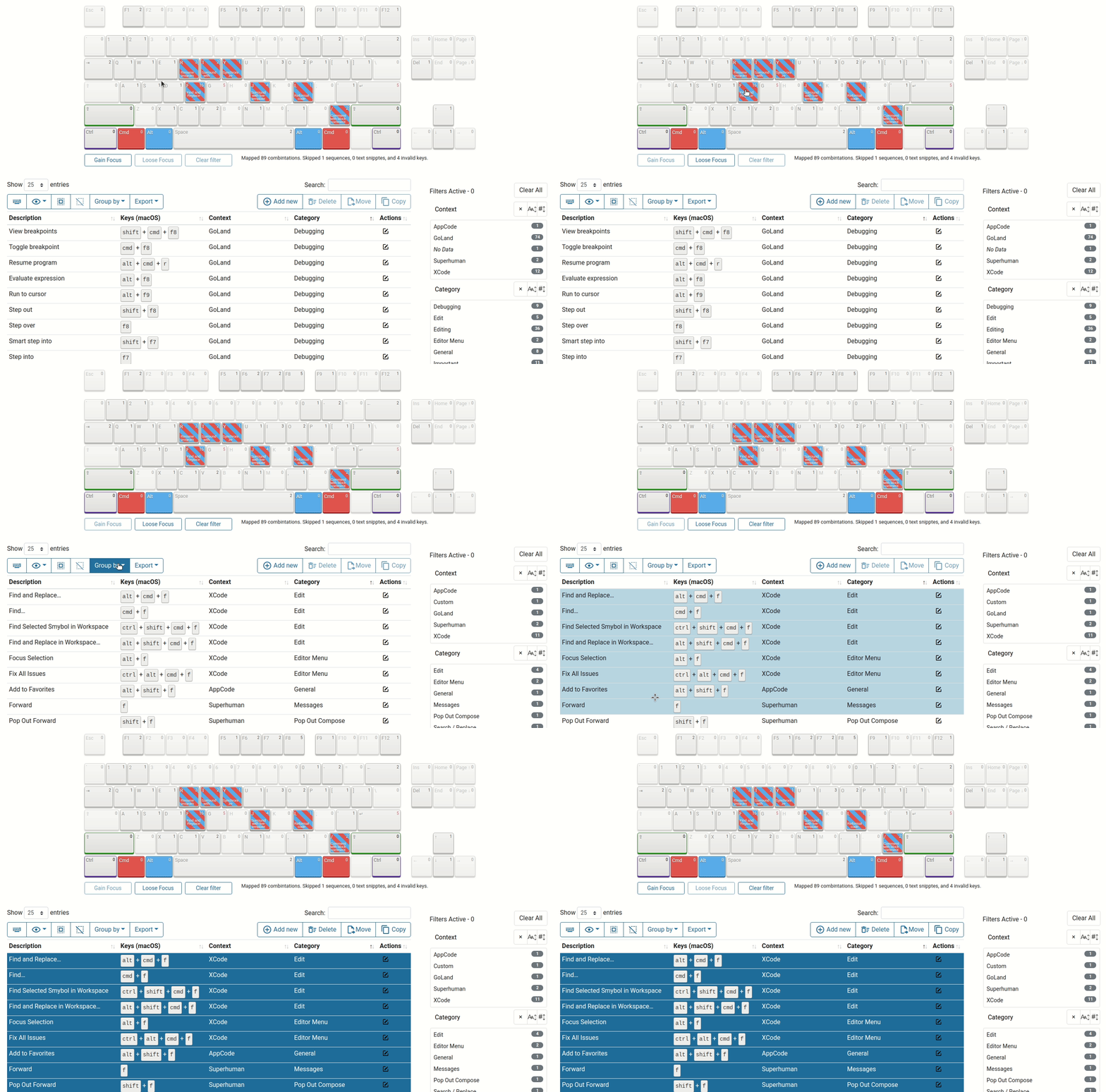
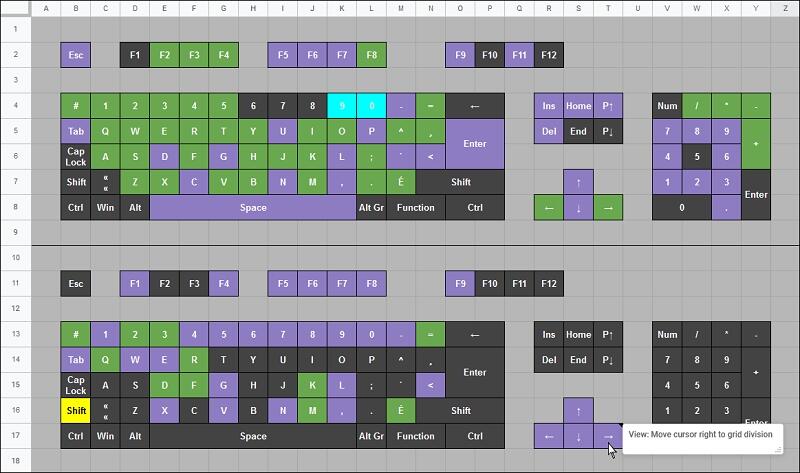



 - 小众软件官方论坛 (appinn.net)